


CNFSimulator.A320 ECP Product Specification (PDF)
Product Overview
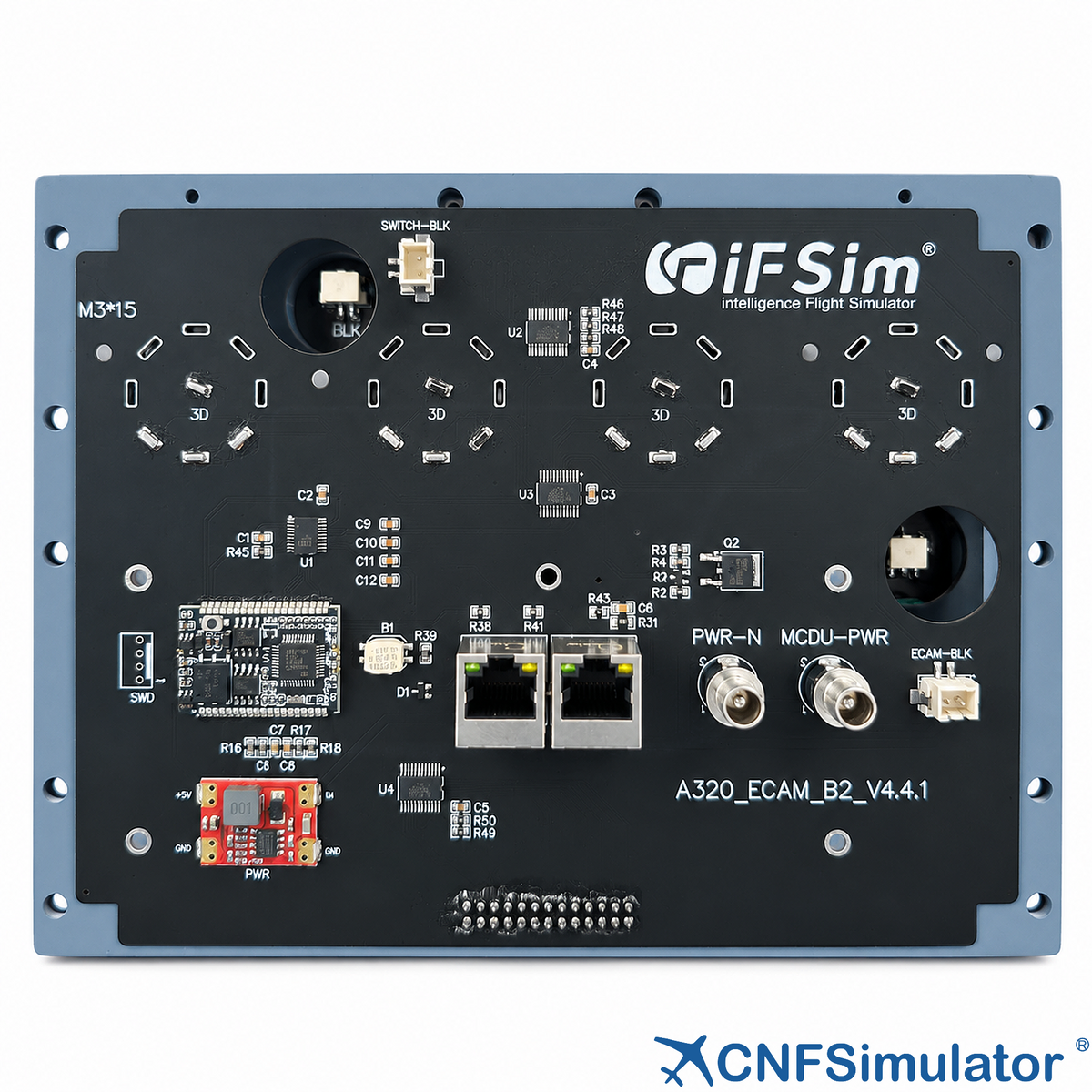
The CnTech A320 ECAM Control Panel (ECP) is the core control terminal for engine and system monitoring in the A320 simulated cockpit. It handles ECAM display switching, system page selection and warning management, reproducing real-aircraft controls in a faithful 1:1 layout.
- Installed at the corresponding position on the centre pedestal of a simulated cockpit.
- Connects standalone to simulation software, or integrates into a simulated cockpit.
- Aviation-grade light guide panel, finished in real-aircraft colours and lettering.
- Warm-white backlight with even light distribution and adjustable brightness.
Key Features
- 1:1 Authentic Reproduction
Appearance, dimensions and operating logic follow the real panel. - Professional Light Guide
Aviation-grade light guide with warm-white, evenly distributed, adjustable backlight. - Stable Communication
CAN bus for stable, reliable, interference-resistant communication. - Simple Wiring
One network cable carries both communication and power. - Premium Finish
Colours matched to the real aircraft, premium paint finish. - High Compatibility
Works with iFSim.Ready; supports MSFS, Prepar3D and X-Plane.
Functional Description
The panel is divided into a SWITCHING section for display-source selection and an ECAM section for system page and warning control. Keys, knobs and switches are arranged to match the real A320 ECAM panel, so that operating habits transfer directly from the aircraft to the simulator.
Input Functions
Panel inputs are rotary selector switches, continuous brightness knobs and system page keys:
- Three-position rotary selector switches: four groups, 45° per position (CAPT 3 / NORM / F/O 3).
- Continuous brightness knobs: two knobs for the upper and lower displays, 300° rotation range.
- System page keys: ENG, BLEED, PRESS, ELEC, HYD, FUEL, APU, COND, DOOR, WHEEL, F/CTL and ALL.
- EMER CANC key: fitted with a transparent guard, 5 N actuation force.
Output Functions
Panel outputs are the backlight, key annunciators and the warning indicator:
- Panel backlight: warm-white light guide across all legends and keys.
- Key annunciators: a green horizontal bar above the legend of each key.
- Amber key lights: legends appear amber when lit and white when extinguished.
- Warning indicator: a red annunciator on the EMER CANC key reports emergency and warning status in real time.
Compatibility
Technical Specifications
The table below summarises the principal mechanical, electrical and compatibility parameters of the A320 ECAM Control Panel.
| Item | Specification |
|---|---|
| Dimensions | 218 × 165 × 34.6 mm (W × H × D) |
| Weight | 0.8 kg |
| Package Dimensions | 280 × 220 × 130 mm (L × W × H) |
| Interface | RJ45, 24 V DC |
| Network Cable | Shielded RJ45 network cable, ≤ 26 AWG (smaller number = thicker) |
| Key Actuation Force | 5N |
| Annunciator Lights | Green horizontal bar / amber key lights / red warning indicator |
| Backlight | Warm white, adjustable brightness |
| Installation | 10 mounting holes, bracket mounting |
| Compatible Add-ons | iFSim A320, ProSim A320, ToLiss A320, Fenix A320, Jeehell A320, etc. |

Logistics Information
Will be shipped within 7 days after placing the order.
Customer Support
For any inquiries, please contact us at info@en.cntech.com.Inquiries will be addressed within 2 business days.
Warranty
Includes a 1-year limited warranty.
