

A320 Simulator Tiller
A320 Simulator Tiller
Main Features
- High-fidelity exterior with a premium high-gloss paint finish;
- Functional logic consistent with the actual aircraft;
- Automatic bilateral return-to-center upon release;
- Backlit scale markings with adjustable brightness;
- Optional base enclosure supports cockpit integration, desktop mounting, or bracket mounting;
- Dual communication interfaces available: CAN bus or Type-C USB;
- Type-C Native Driver-Free Compatibility: The built-in native HID generic driver in Windows automatically recognizes and adapts to the device upon connection — plug-and-play with no manual driver installation, patches, or proprietary configuration tools required. This completely eliminates driver conflicts, version incompatibilities, and complex setup procedures. After connection, the system immediately classifies the device as a standard game controller, completing device initialization instantly for immediate operation.
- Dedicated USB Interrupt Transfer Mode: Purpose-built for real-time human-machine interaction, this transfer mode delivers higher priority, faster response, ultra-low latency, and superior noise immunity compared to standard bulk transfer. The communication protocol is fully compatible with mainstream Windows systems including Win7, Win10, and Win11, and perfectly adapts to universal game input frameworks such as DirectInput. Compatible with standalone games, simulators, simulation control software, industrial training simulation programs, and other applications.
- Wide Compatibility: Supports mainstream simulation platforms (e.g., MSFS, Prepar3D, and X-Plane) via Type-C connection; compatible with CnTech iFSim.Ready software via CAN bus).
The light of the tiller is adjustable now. For all new orders from April 15, please read the manual to guide you how to adjust the light, by USB or by CAN interface:
For all purchased users before April 15, 2026, please download and update the firmware to implement the light adjustment function under USB connection:
Connected by USB: only manually adjust the brightness of the lights, cannot be adjusted according to the game software.
Connected by CAN:
Brightness is able to be adjusted automatically with other simulator components and game, need to configure in the iFSim.Ready software—but only for aircraft models that are already supported by iFSim.Ready.
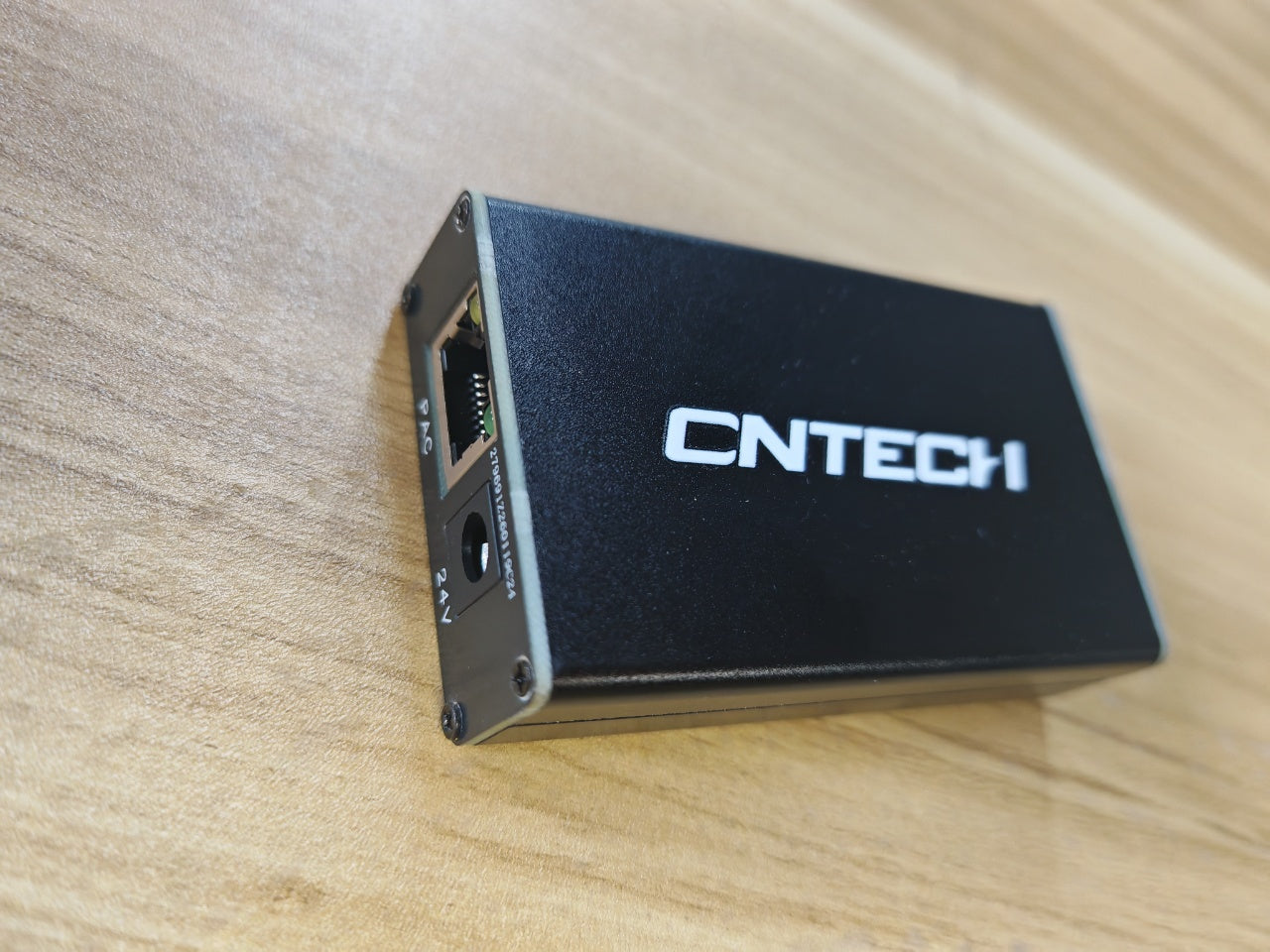
---If you only buy a Tiller from CnTech, you will need to have a CAN box to connect the tiller with your computer:

---If you already have other componets from CnTech (like Throttle Quadrant or panels), you will only need to connect Tiller to an components with an ethernet cable:

This is the bottom size and screw hole diagram, you can install it on the base or table by yourself.


Dispatch time: within 14 days after placing the order